
Everything you copy.
Close at hand.
M3M is a private clipboard manager for macOS. Search, pin, and reuse the things you copied from the menu bar.
History is stored locally and encrypted at rest. M3M does not sync clipboard contents to a cloud service.
See M3M in action
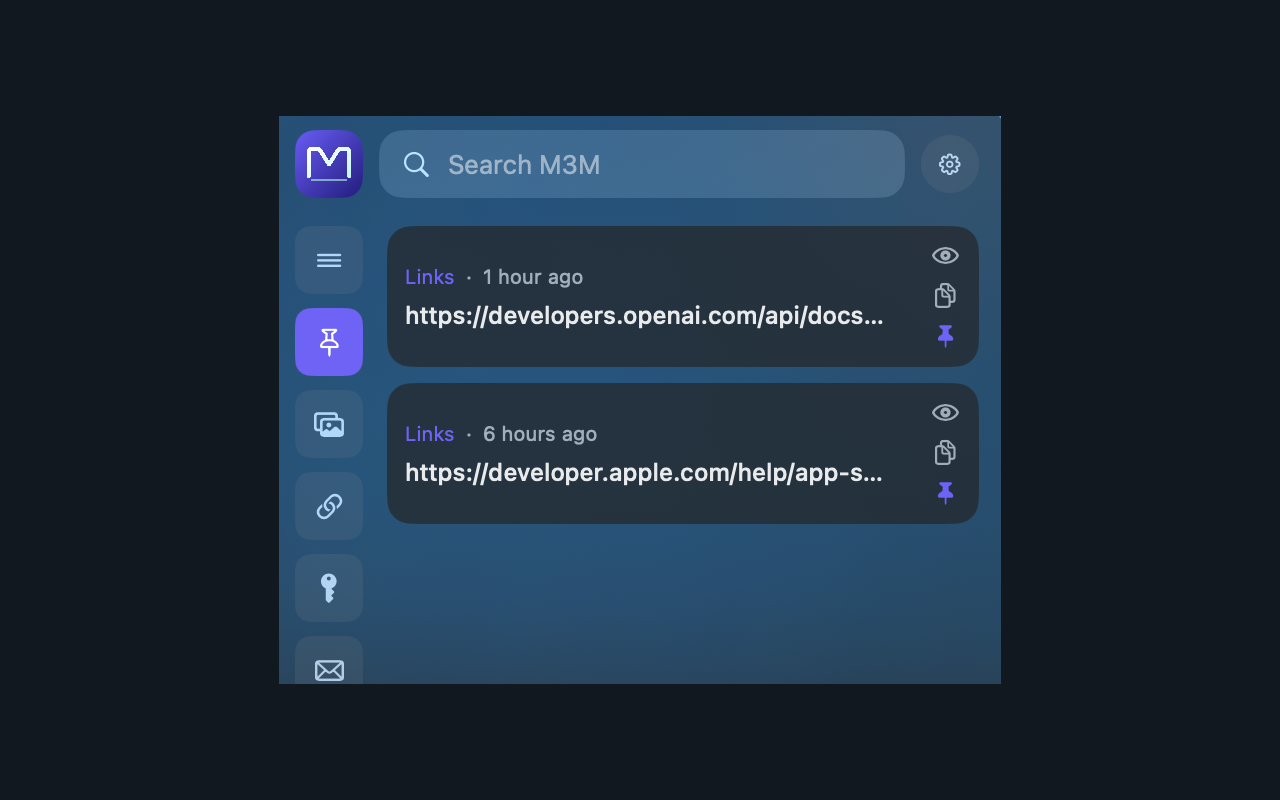
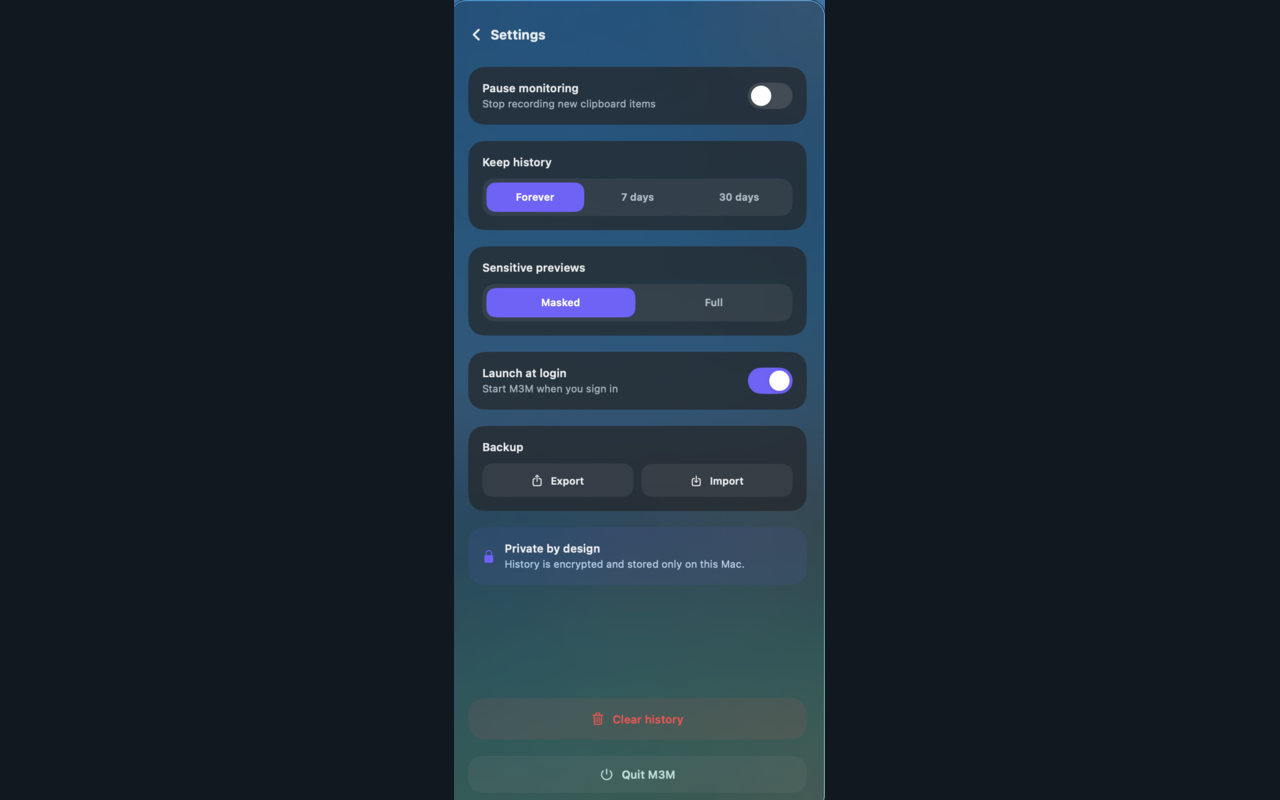
Search your memory, preview images, filter security indicators, and manage privacy from one compact menu bar app.


A quieter clipboard
- Find it fast. Search your clipboard history from the menu bar and paste any item straight into the app you were using with one click.
- Recognize the useful stuff. M3M sorts links, code, API keys, passwords, emails, phone numbers, IP addresses, domains, hashes, CVE IDs, file paths, and screenshots.
- Keep sensitive values private. Sensitive previews are masked by default, with a setting to show full values when you need them.
- Make it yours. Pin important items, configure retention, pause capture, launch at login, and export or import encrypted backups.
Built for the menu bar
Local-first
No account, analytics, or clipboard cloud. Your history remains on this Mac.
Encrypted storage
Clipboard history and backups are encrypted at rest using keys protected by macOS.
Smart categories
Keep everyday text separate from links, credentials, code, and security indicators.
Quick reuse
Click an item to paste it where you were working, or use the copy icon to just put it back on the clipboard. What you use moves to the top.
What you need
A Mac running macOS 14 or later. M3M lives in the menu bar and is ready whenever you copy something worth keeping.
Want a free copy?
Leave an email and we will send a promo code while the batch lasts. If M3M earns its place in your menu bar, a review on the App Store is the whole price.
Your address stays on our server and is used for this alone. One line, deleted on request.