Western and Vedic astrology, at full depth
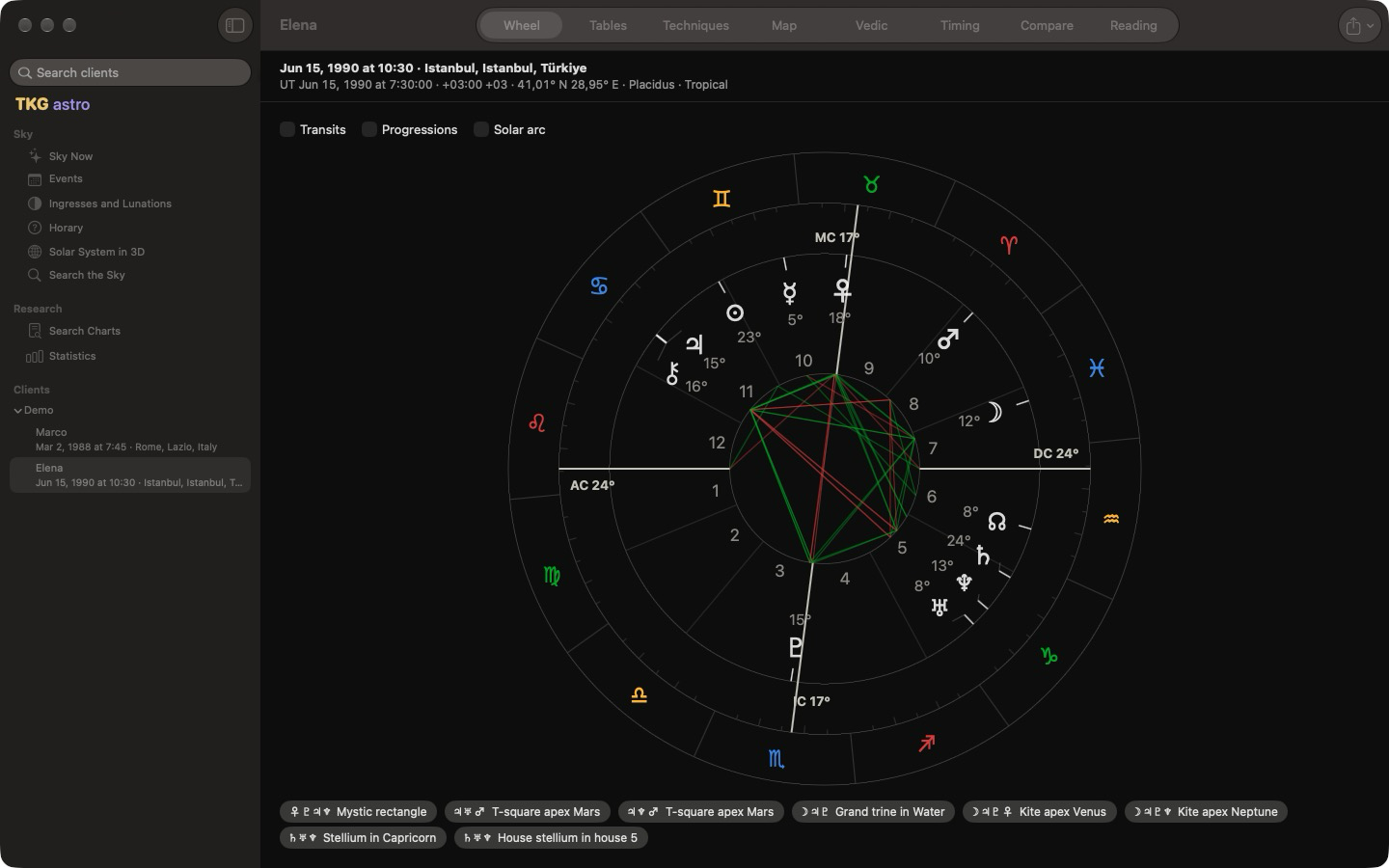
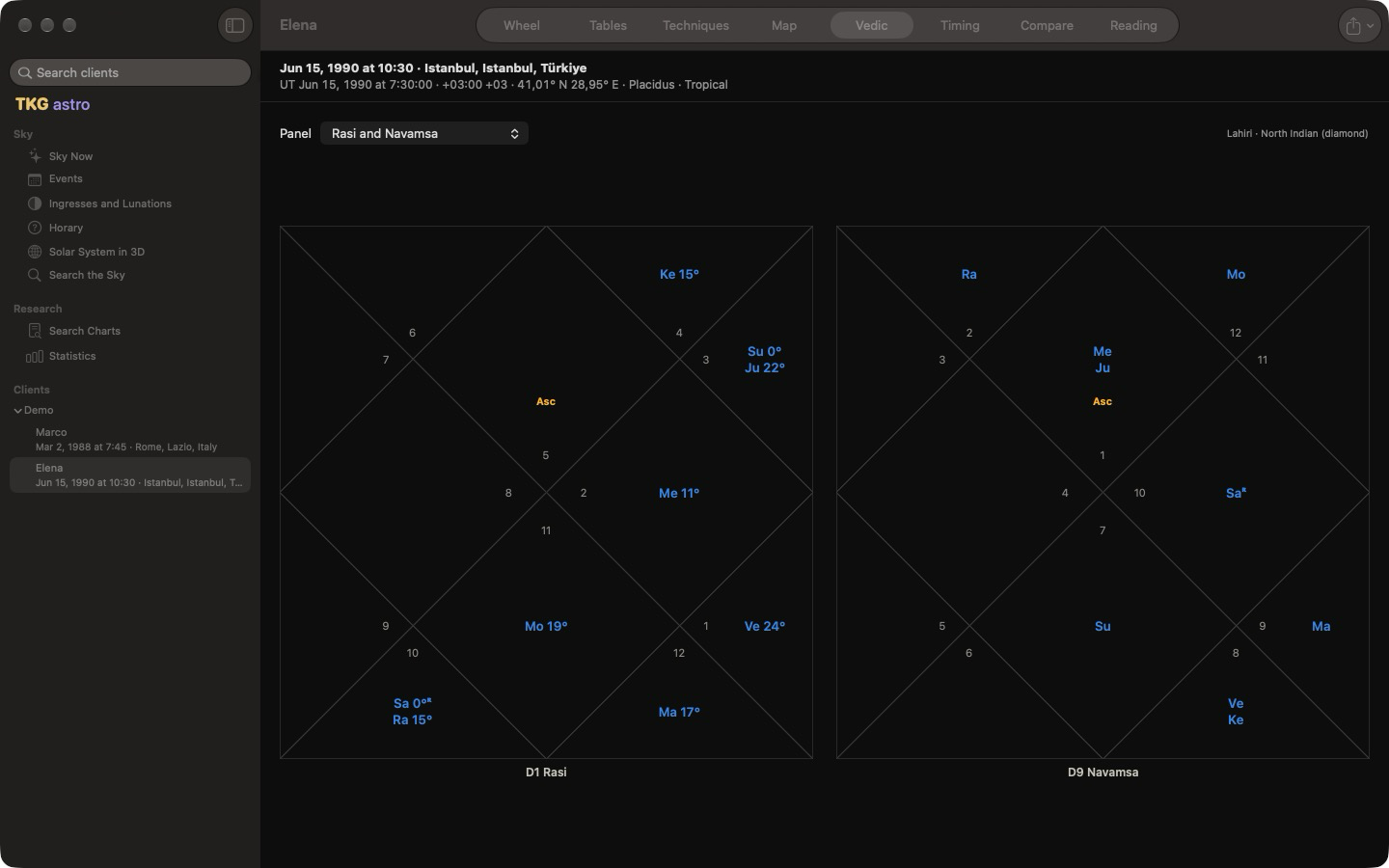
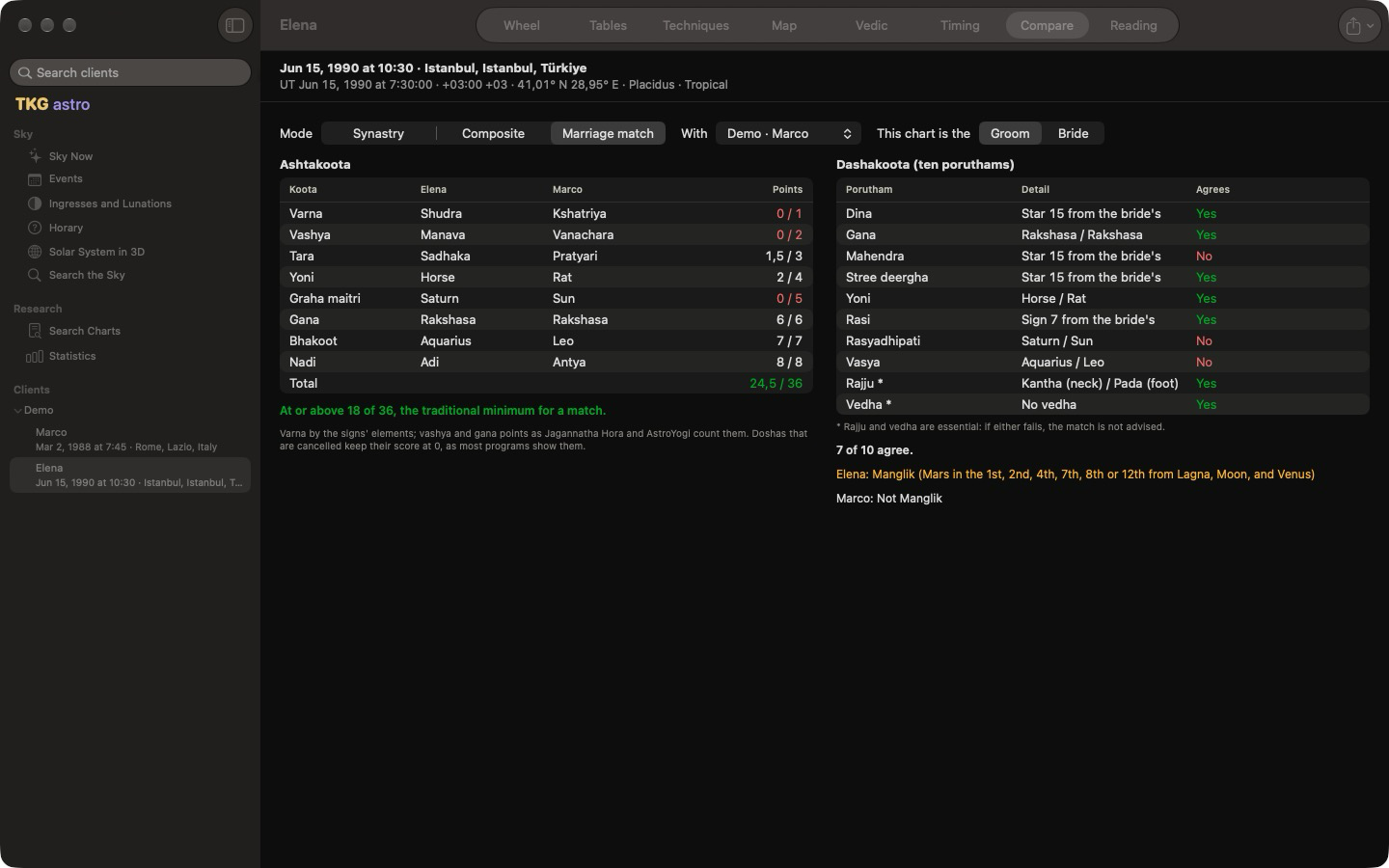
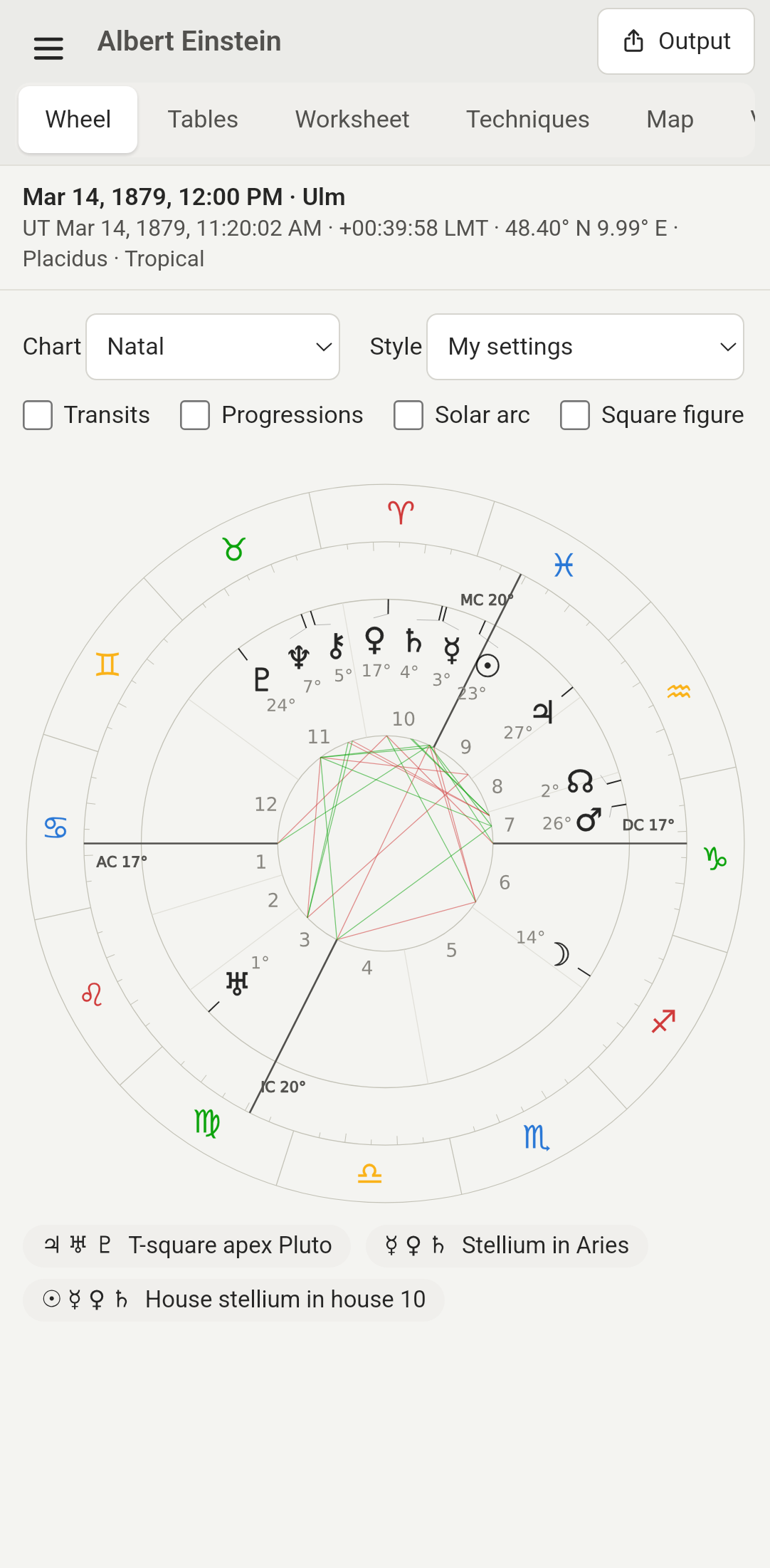
TKG Astro is one workbench for both traditions — the wheel and the rasi chart, transits and dashas, synastry and marriage matching — on Windows and Android, in English and Turkish. Your charts stay on your device.
What it does
- Exact positions. Its own engine on NASA JPL's DE440 and DE441: 3000 BC to AD 3000 on Windows, 1800 to 2200 on Android; 20 house systems, tropical and 24 sidereal zodiacs, about 1,500 asteroids, Uranian and hypothetical points.
- Birth times you can trust. A built-in world atlas with historical time zones, so a chart from 1940 uses the clock that was really in use there and then.
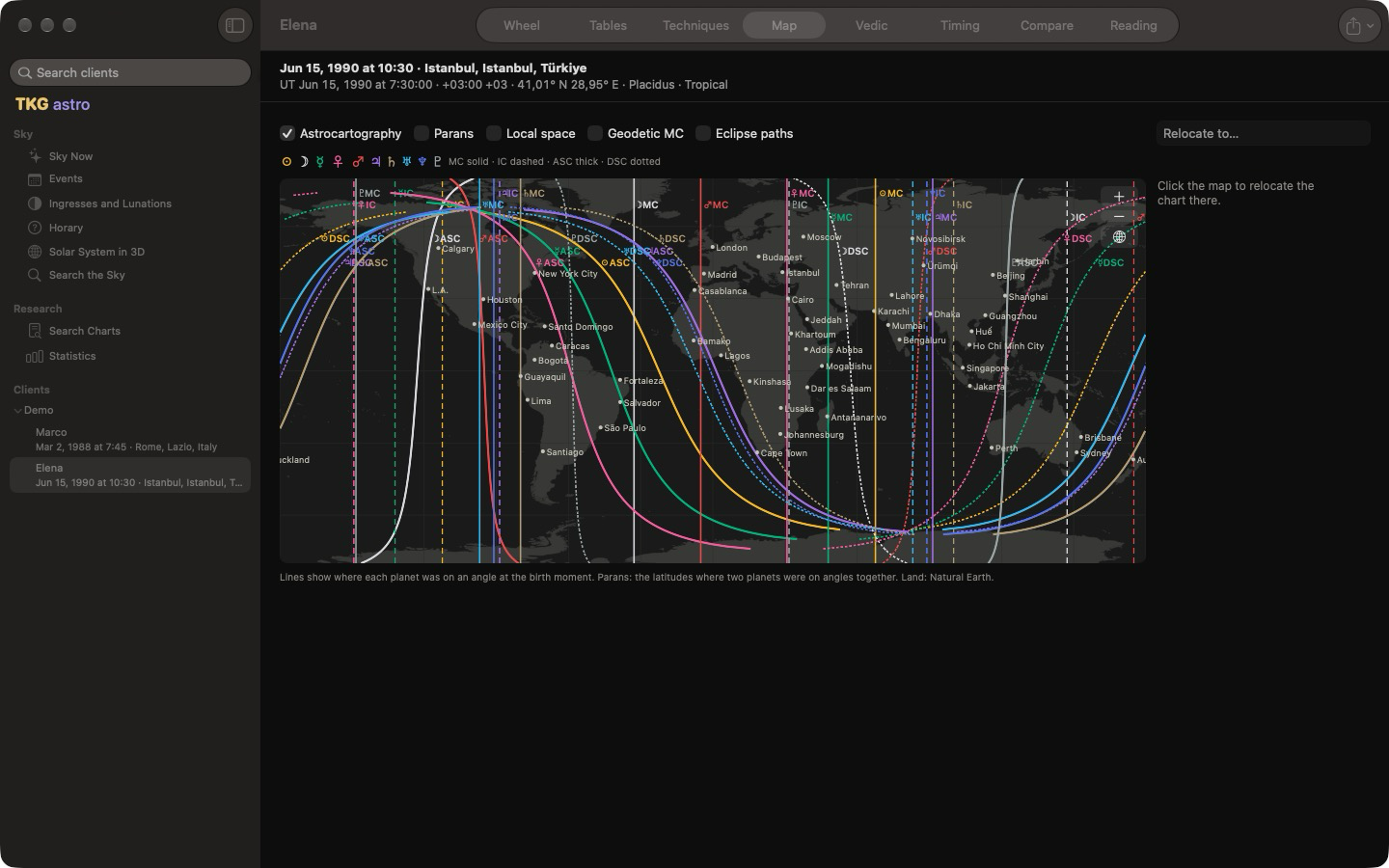
- Western. Transits, progressions, solar arc and primary directions, returns, profections, firdaria and releasing; synastry, composite, Davison and group composites; midpoints, harmonics, fixed stars and parans, Arabic parts, horary, Jones chart shapes.
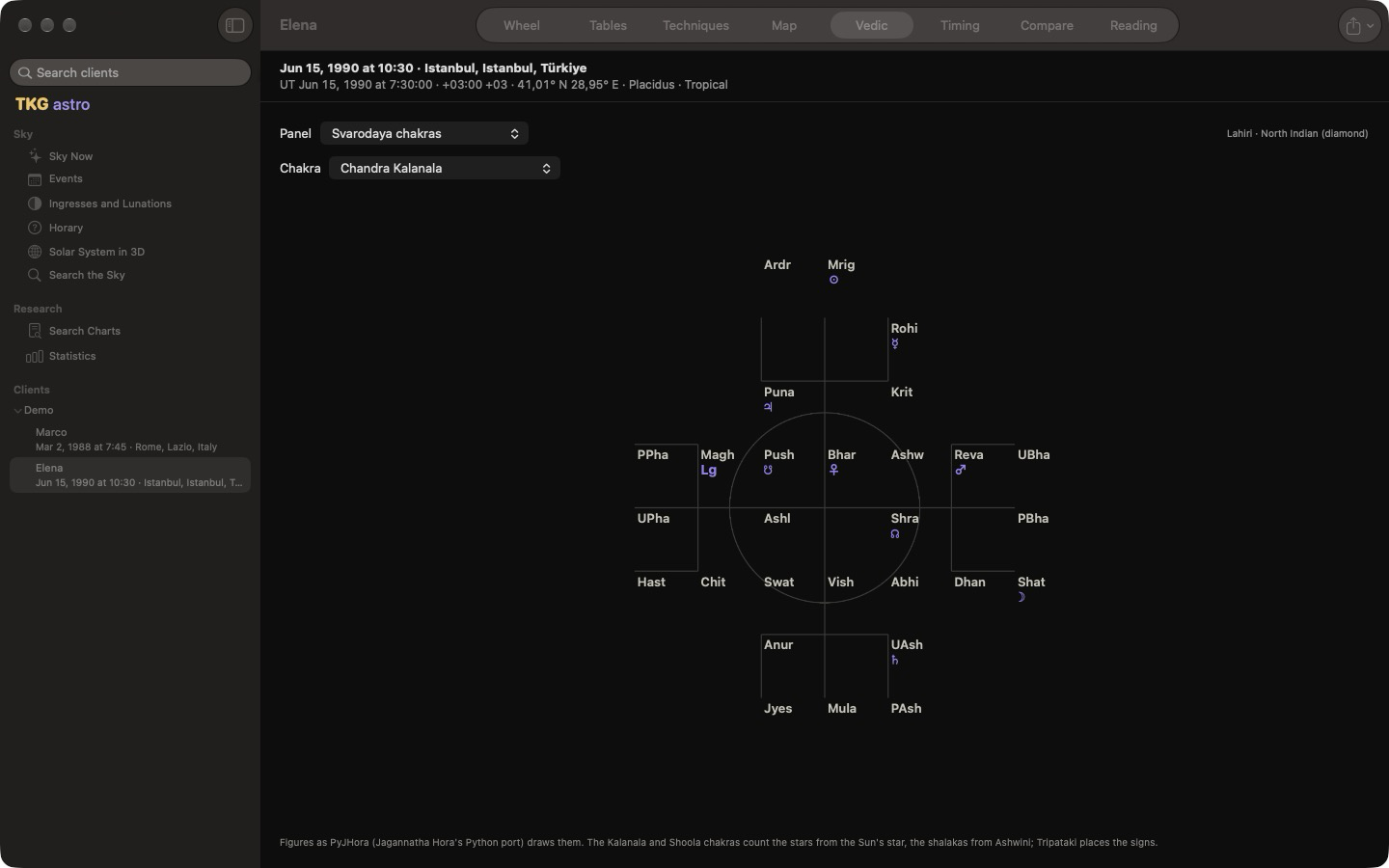
- Vedic. Vargas to D144, Vimshottari and some forty other dashas to six levels, full Shadbala and avasthas, Ashtakavarga with prastara and shodhana, yogas, Jaimini, KP, Varshaphal, transit calendars, the Kota and Svarodaya chakras.
- Search and research. When does a configuration happen; which of your saved charts have a placement; does an idea hold across your library, by a proper statistical test.
- Readings and the assistant (Windows). Optional, with your own OpenRouter or OpenAI key: answers come from the chart's computed positions.
- Your library, yours. Clients and charts stay on your device. AAF and CSV import and export, PDF reports, chart images, printing.
What it does not do
- No account, no server of ours, no tracking, no sync. Your charts are in the app, nowhere else
- It does not read Solar Fire or Astro Gold files directly — their formats are not published; move charts over as AAF or CSV
- Readings and the assistant need your own API key and are not in the Android edition; every chart and technique works without them
English and Turkish. Windows and Android.