
A new tab that feels like home
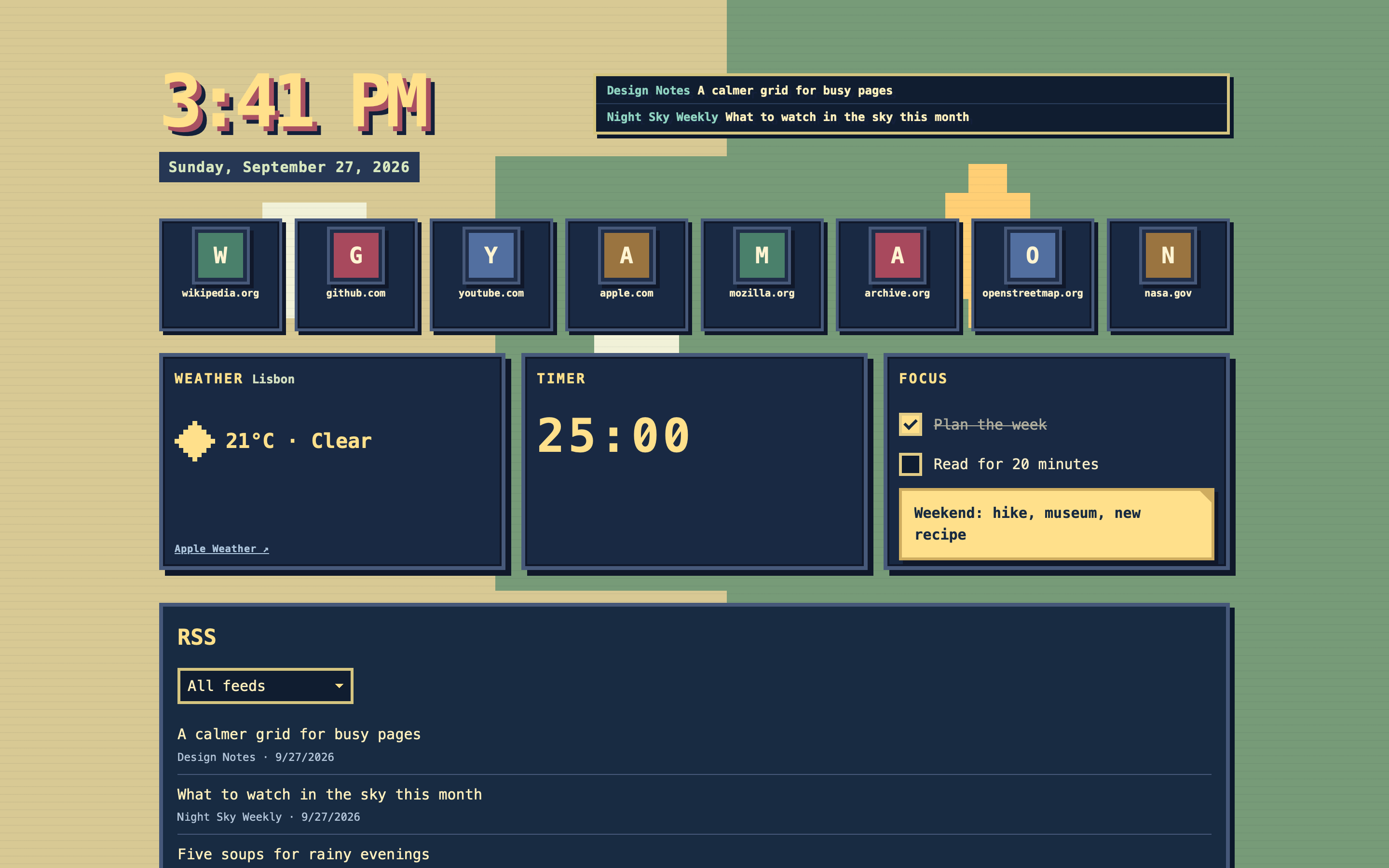
SafoHome gives Safari a pixel-art new tab: the sites you visit most, a world map that follows the city you choose, weather, a focus timer and a little space for today's tasks and notes.
How it works
- Sites appear as you browse. Enable the Safari extension and allow website access. SafoHome counts future visits by domain and puts the frequently visited sites in your new tab. Save full page links, pin or hide sites, and browse them in two rows with pagination.
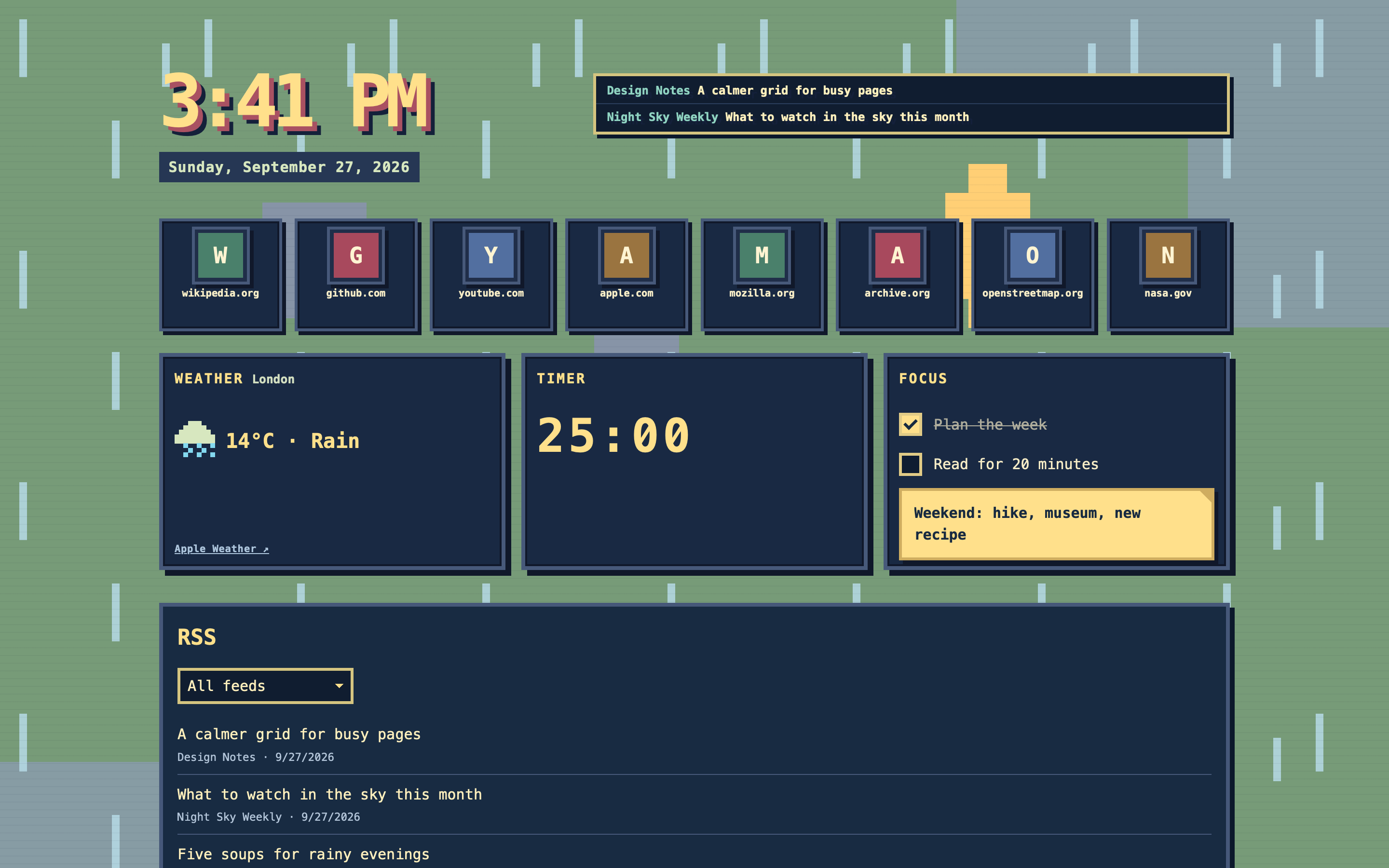
- The scene follows your day. The pixel world map changes with the date and time. Enter a city for the optional weather widget to zoom the map towards it and show current conditions.
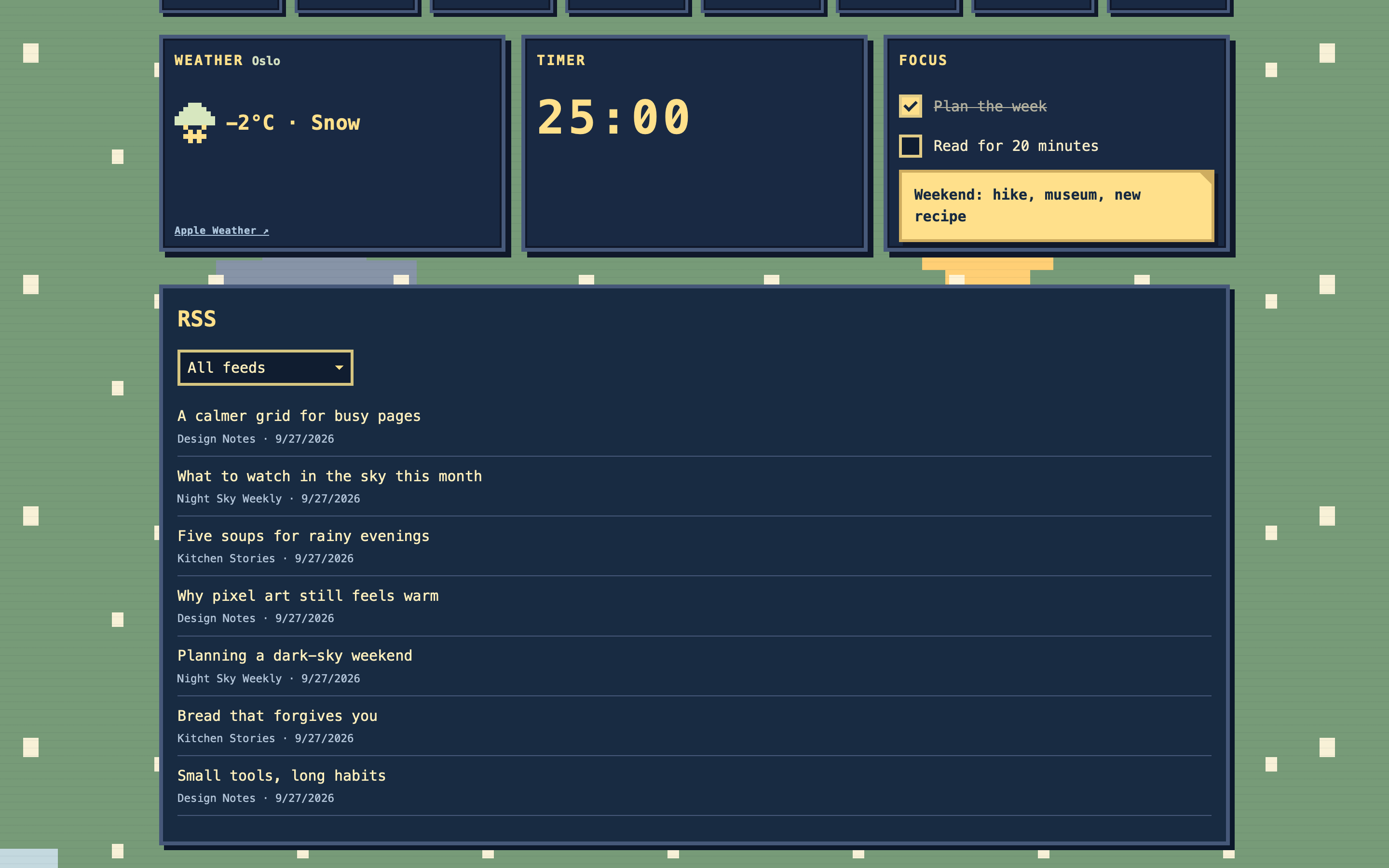
- Keep the day close. A timer, focus tasks and searchable post-it notes share the page with your sites. Widget controls stay out of sight until you need them. Import OPML to read your feeds below the widgets; export OPML or a JSON backup when needed.
- Sync with your private iCloud. When available, visit counts, saved links, site preferences, focus tasks, notes, RSS subscriptions and your weather city sync through your private CloudKit database. The timer and cached forecasts stay on this Mac.
What it does not do
- It does not read Safari's existing browsing history; counting starts after website access is granted.
- It does not save full page addresses, page content, search terms or tab titles as visit data.
- It does not request device location. Weather uses only a city you type.
- No SafoHome account, ads or analytics.
Requires macOS 26 or later and Safari. The extension's website access is needed to count future visits. Weather and iCloud sync are optional.